Live green screen composite development 
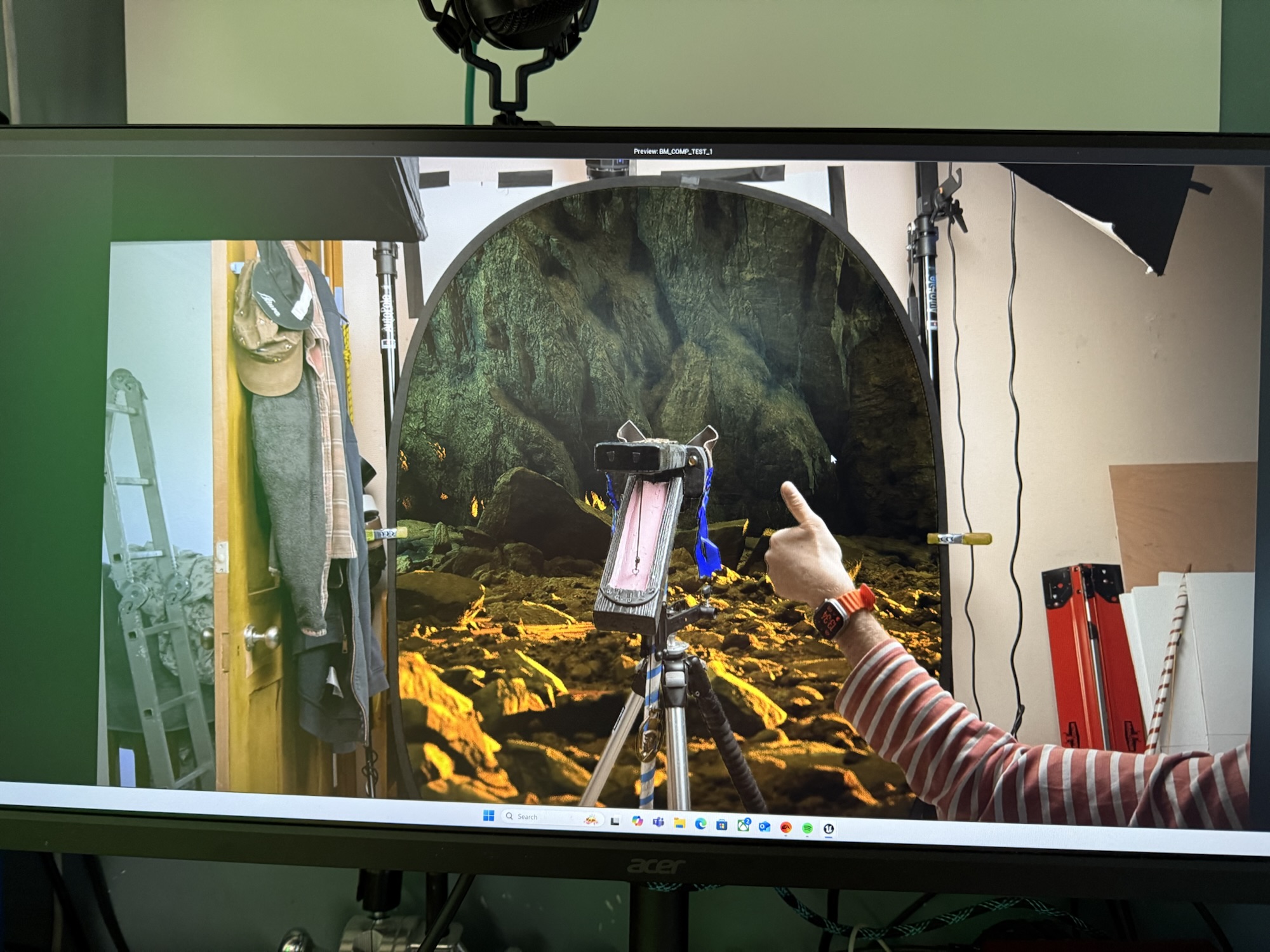
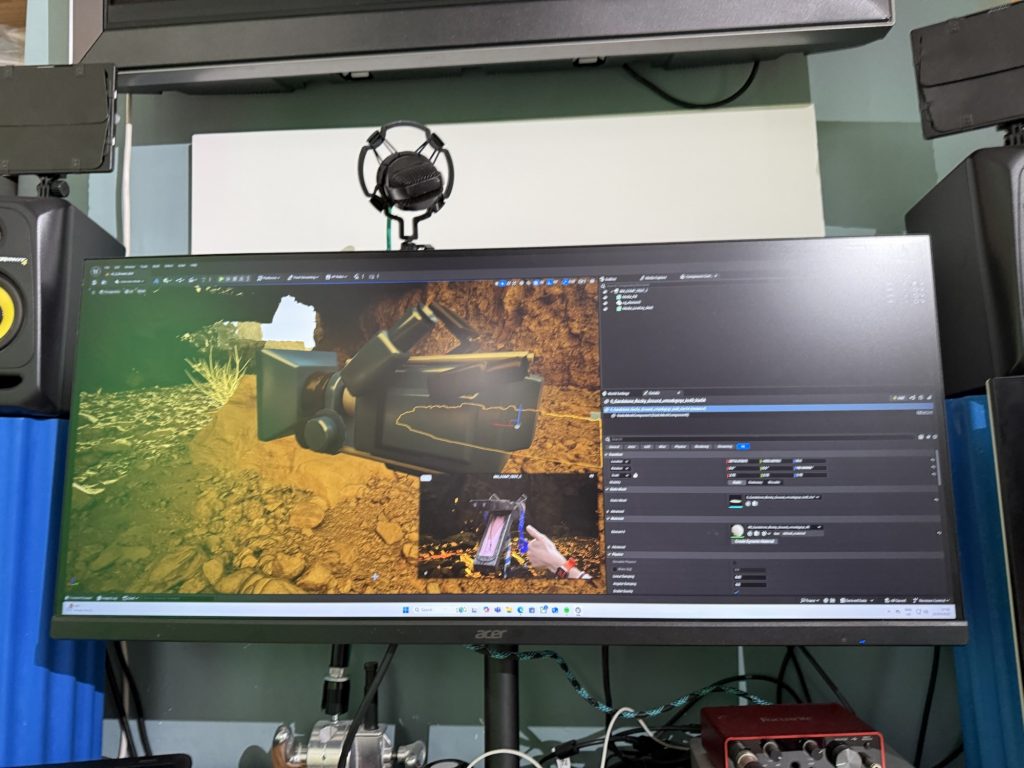
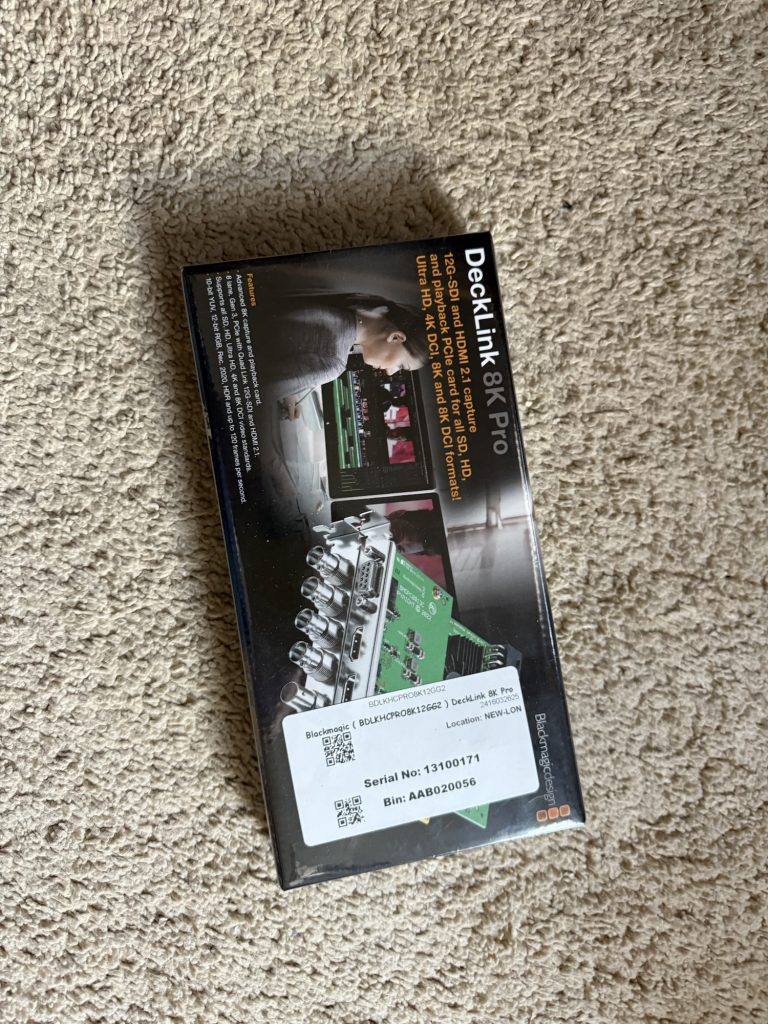
The project is being developed using Unreal Engine in combination with a Blackmagic Ultimatte 12 hardware keyer and a DeckLink card to enable reliable, realtime compositing. Over the past phase I have focused on creating a series of MVPs (minimum viable products) to test the technical pipeline, using Hooden Horses footage and simple virtual environments as source material.
Early challenges centred around Unreal Engine’s inconsistent support for DeckLink live capture, which only became stable with the release of Unreal Engine 5.6. With this version now in place, the system operates far more predictably and provides a solid foundation for continued development.
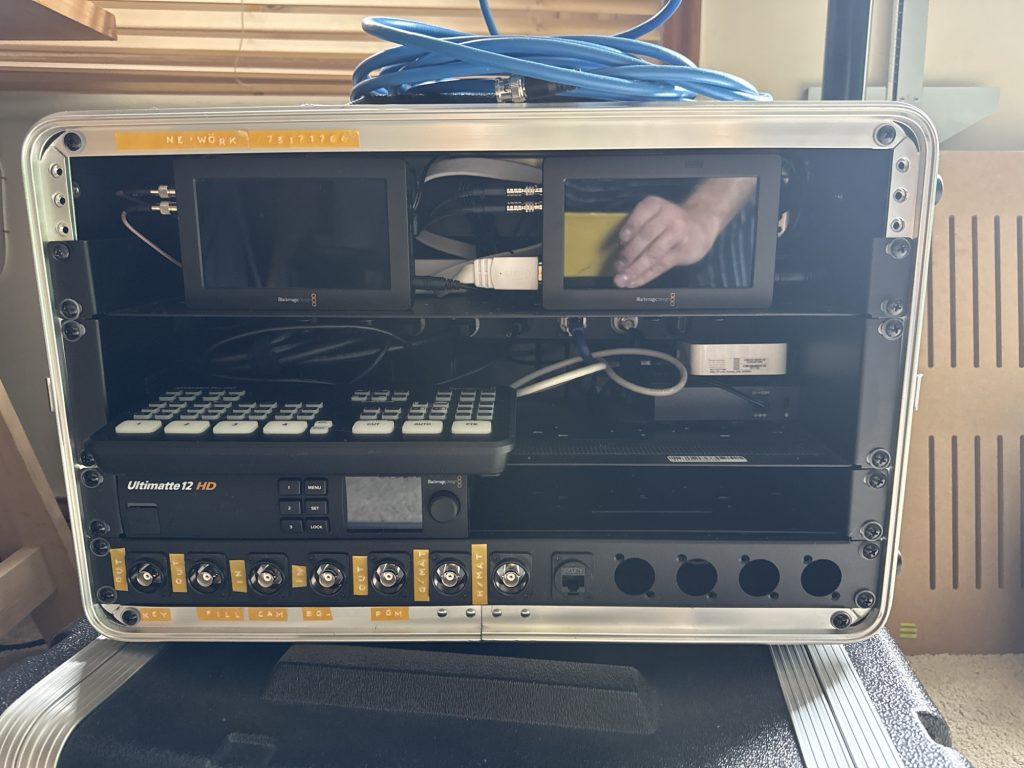
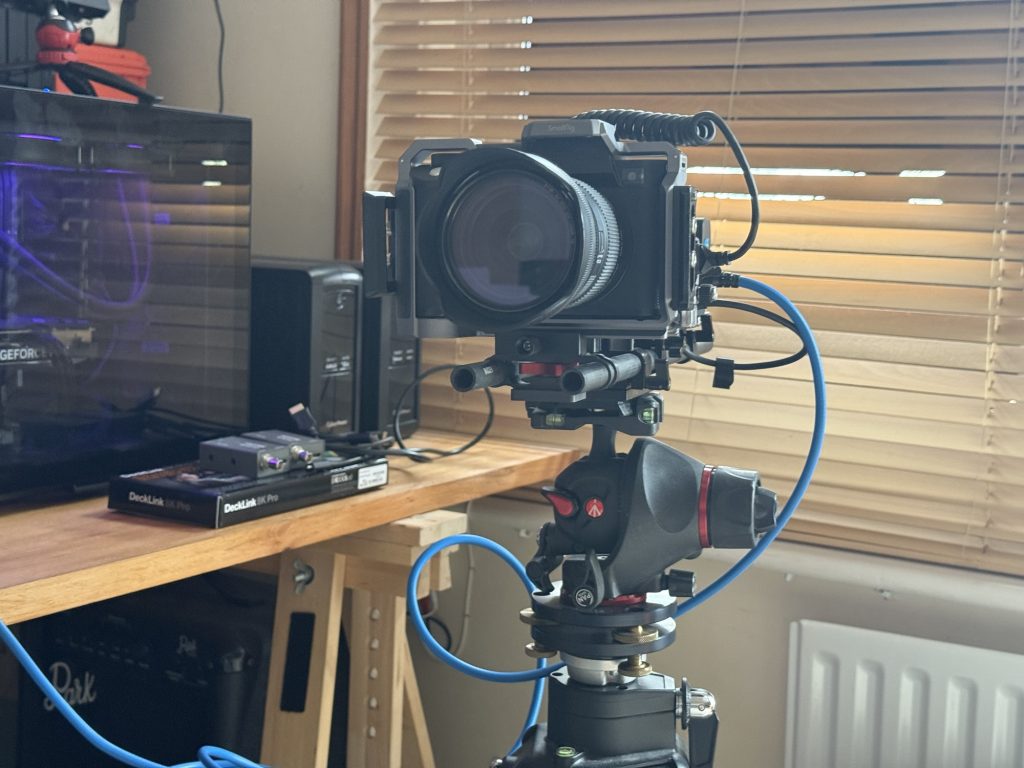
To support rapid experimentation, I have built a portable green-screen rig housed in a flight case, incorporating the Ultimatte 12 and Blackmagic Video Assist units. This layout gives quick access to routing and monitoring options and allows me to record the key, fill, and main camera feed simultaneously. Capturing these multiple passes means I can either rely on the live Ultimatte composite or recomposite the plates in post-production to generate higher-quality media assets for Unreal Engine.
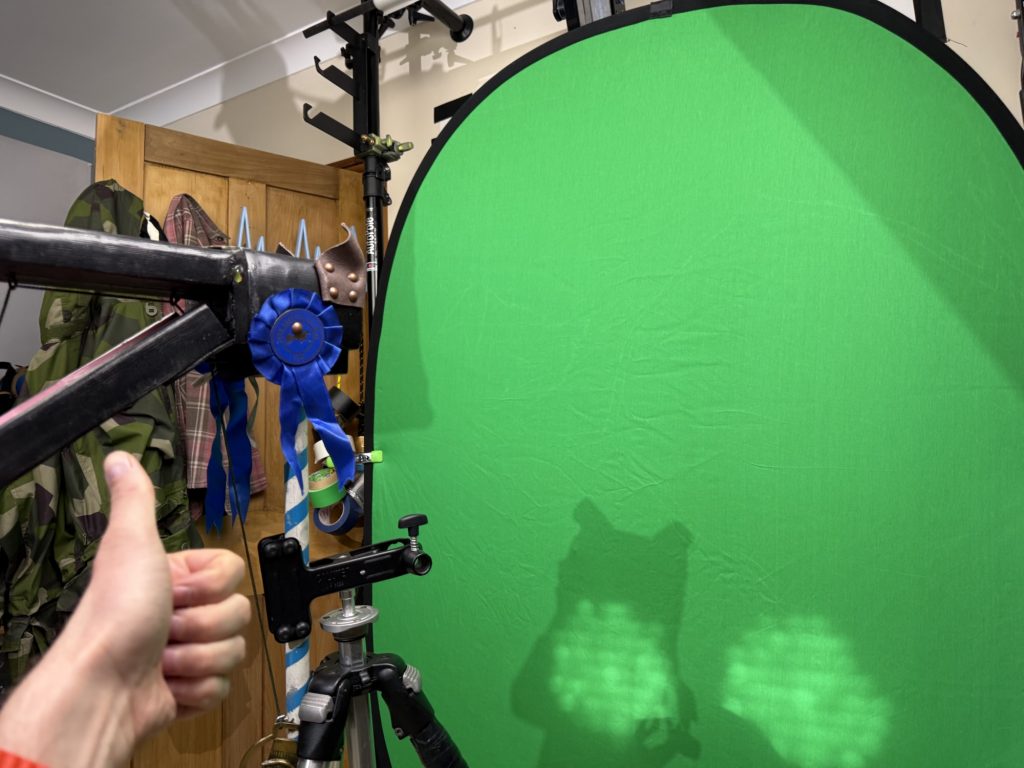
Tests so far have been carried out on a compact green screen in a limited space, but the transition to the full studio at Screen South will provide significantly improved lighting, space, and capture conditions.
This will allow higher-quality composites, cleaner mattes, and a more controlled virtual production workflow. The setup also lays the groundwork for future phases of the project, including extracting motion-capture data from performances to drive MetaHuman characters inside Unreal, opening the door to more ambitious virtual production experiments
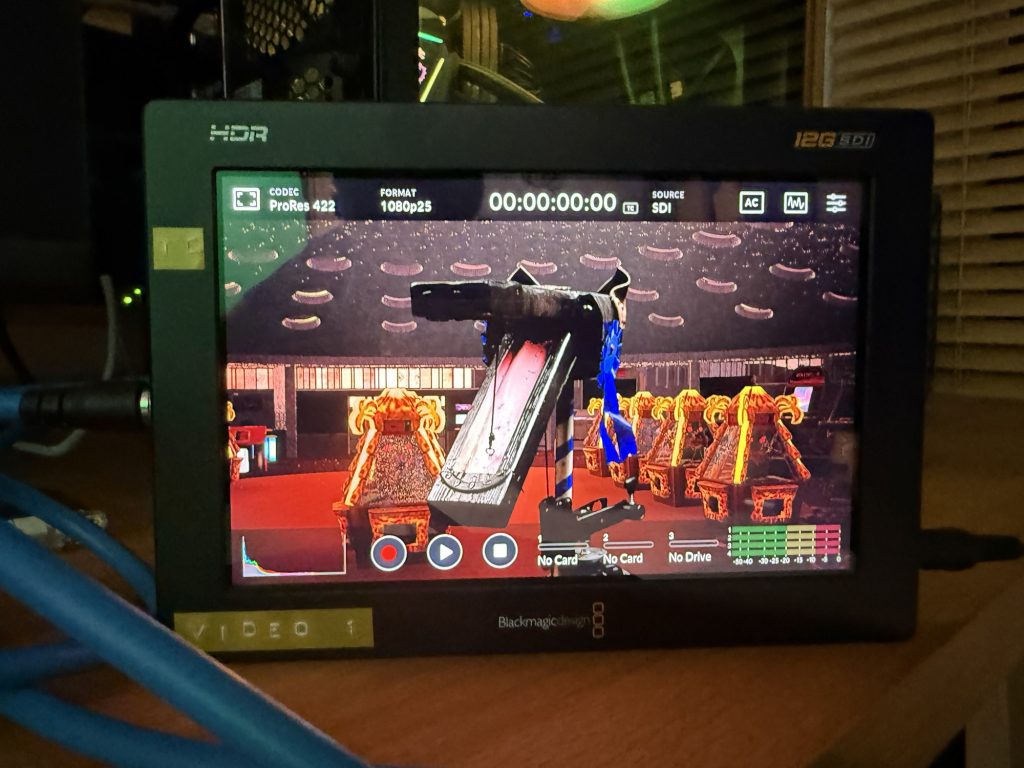
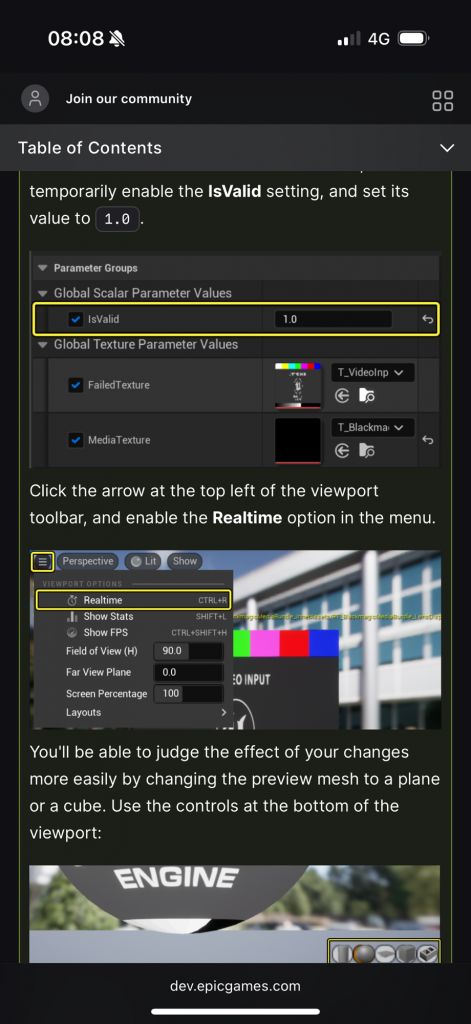
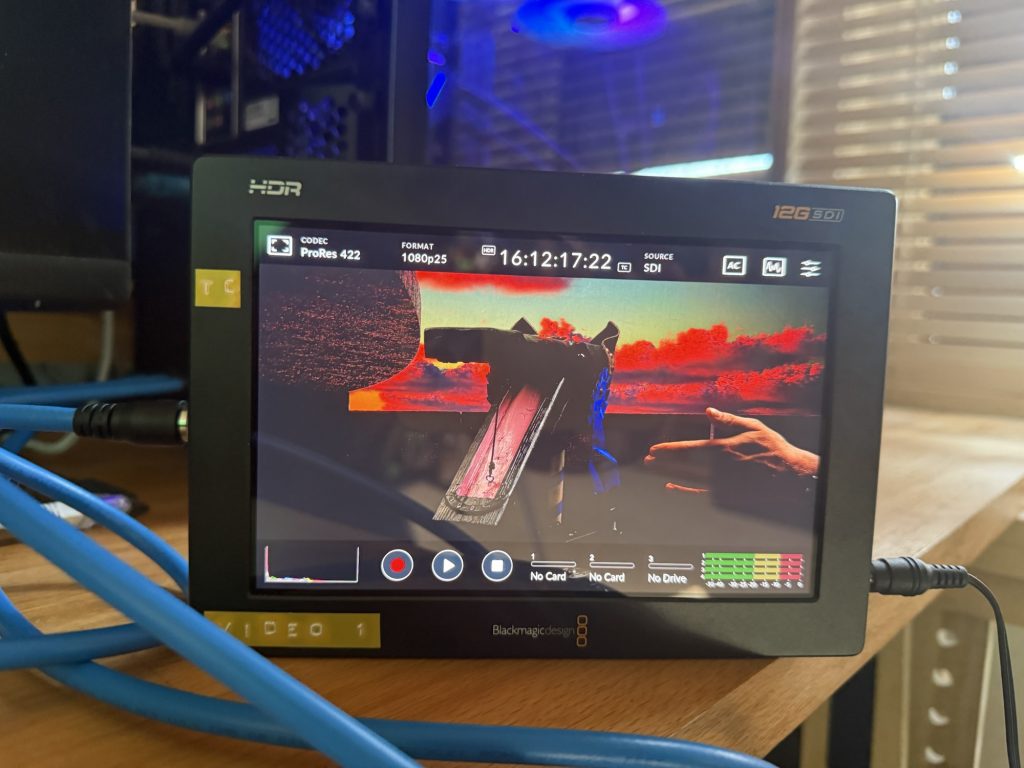
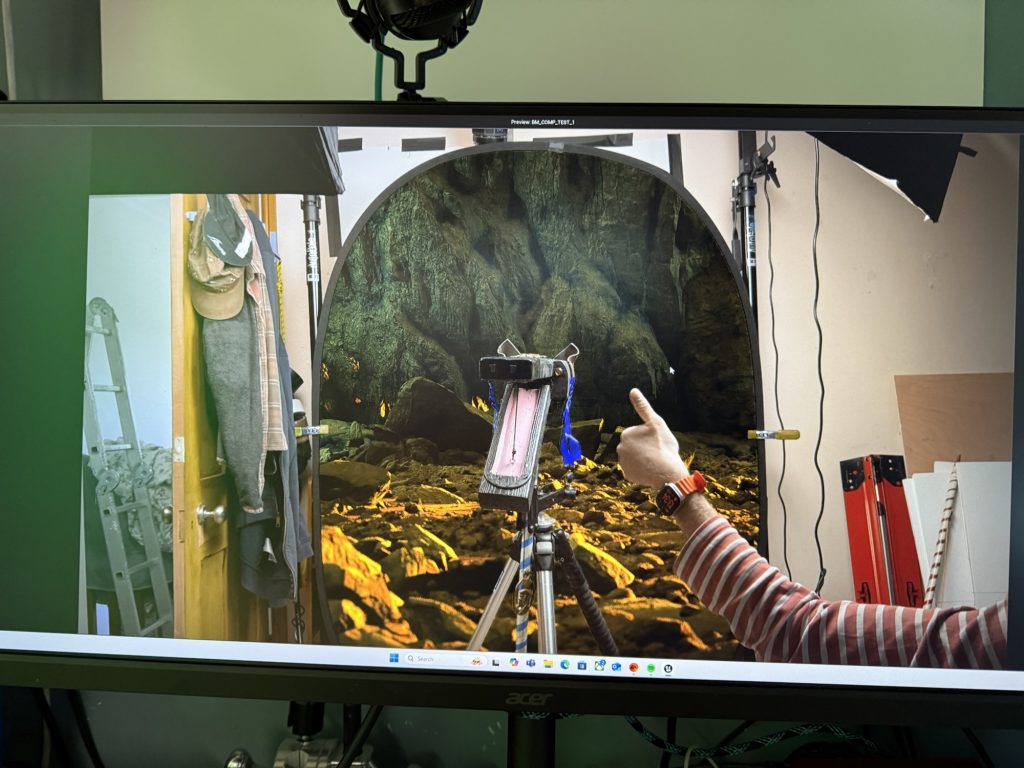
Virtual Production Pipeline: Live DeckLink Backgrounds, Ultimatte Keying, Resolve Matte Reconstruction, Unreal Composure, and Sync Testing
The full workflow for testing virtual production techniques using the Ultimatte 12 HD, Unreal Engine, DaVinci Resolve, and Blackmagic DeckLink. It covers:
Live compositing via Ultimatte Offline matte-and-fill reconstruction in Resolve PNG/alpha export Unreal media plate integration Composure workflow Sync findings from the shoot Next steps for drift-free recording
1. Live Workflow Overview (Unreal → DeckLink → Ultimatte → Recorder)
1.1 Hardware Routing
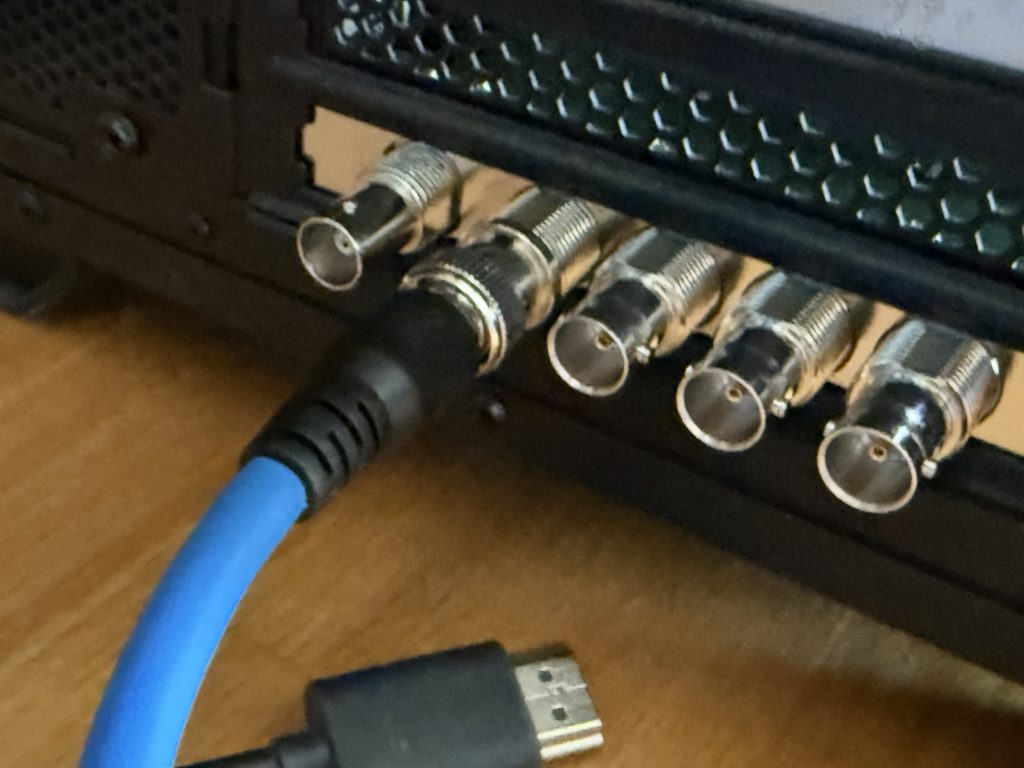
Camera SDI OUT → Ultimatte FG IN
DeckLink SDI OUT → Ultimatte BG IN
Ultimatte PROGRAM OUT → Recorder / DeckLink IN / Monitor
When sync is added later:
Tri-Level Sync → Ultimatte + DeckLink + HyperDecks.
1.2 DeckLink Output Setup
Select DeckLink device in Desktop Video
Choose SDI output
Set project format e.g. 1080p25
Match Ultimatte format
1.3 Unreal → DeckLink Background
Enable Blackmagic IO + Media Output
Create a Blackmagic Media Output asset
Select DeckLink and SDI Out port
Add a Media Capture actor
Assign Media Output
Unreal now drives the background live into Ultimatte.
2. External Recording
Initial tests used Video Assist 3G units.
These revealed drift issues (see below).
Next stage will use HyperDecks.
Routing:
Ultimatte PROGRAM OUT → Recorders
3. Offline Media Plate Workflow (Resolve → PNG/Alpha → Unreal)
3.1 Unreal Import
Image Media Source → PNG Sequence folder
Media Player → tick “Video Output Media Texture”
Material setup:
RGB → Base Color
Alpha → Opacity or Opacity Mask
Apply to plane or Media Plate mesh
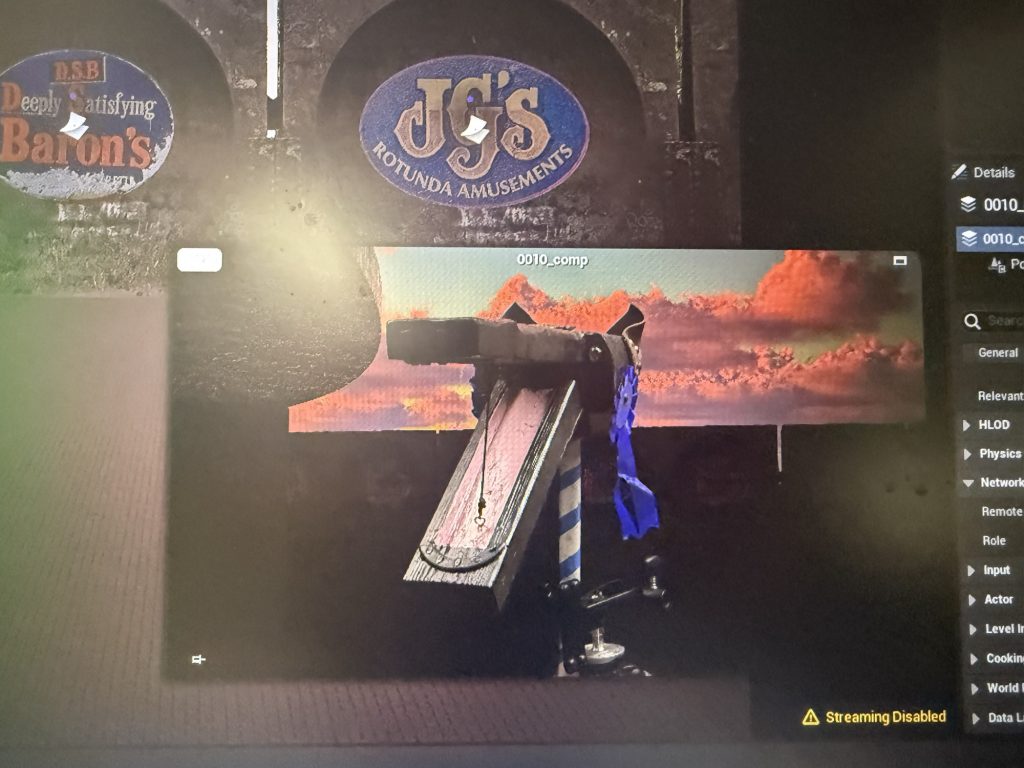
4. Unreal Composure Workflow
4.1 Enable Composure
Edit → Plugins → Composure → Enable → Restart.
4.2 Build Compositing Tree
Window → Composure
Add → Media Plate Element
Assign Media Player + Texture
4.3 Add CG Background
Add → CG Layer Element
Assign SceneCapture2D
Match resolution to media plate
4.4 Composite
Root Compositing Element:
Background = CG Layer
Foreground = Media Plate
4.5 Output / Record
Preview inside Unreal
Output via DeckLink
Record Unreal actors/cameras using Take Recorder
5. Common Mistakes and Fixes
Fusion workflow not required
Drift cannot be repaired in post
Video Assist not suitable for multi-channel sync
Timecode-only sync ≠ frame-accurate
DeckLink is the correct preview device
6. DaVinci Resolve Workflow for Matte + Fill → Alpha Plates
6.1 Timeline Setup
V2 = Fill (colour)
V1 = Matte (greyscale)
On V2:
Composite Mode = Foreground
On V1:
Composite Mode = Luma
This reconstructs transparency correctly.
6.2 Matte Clean-Up (Optional)
Use only if required — the Ultimatte matte is often clean enough.
Inspect
Check for:
clean white/black values no edge noise clean silhouette
Crush Blacks / Boost Whites
Lift ↓
Gain ↑
Adjust Midtones
Gamma for density.
Smooth Edges
Blur/Sharpen → Radius 0.5–1.0 px.
Soft Clip
Optional for edge refinement.
Export PNG with Straight Alpha.
7. Sync & Drift Findings
Static Test (Day Before)
No drift visible because the subject was static.
Live Shoot Findings
With talent moving, Fill and Matte proved out of sync on a frame-by-frame level.
Timecode matched
Duration matched
But alignment drifted gradually
Cause
Video Assist 3Gs are not genlock-capable → their internal clocks drift independently.
Pattern
Drift changes over time → classic unsynchronised-frame behaviour.
Next Step (To Test)
Replace Video Assist units with HyperDecks
Add a Sync Generator
Feed sync to:
Ultimatte HyperDeck Fill Recorder HyperDeck Matte Recorder DeckLink (optional)
Re-run raw camera footage through Ultimatte
Re-record Fill + Matte
Evaluate drift again
8. DeckLink + Take Recorder Workflow in Unreal
DeckLink IN
Blackmagic Media Source → Media Player → Media Texture
Used for monitoring or Composure
DeckLink OUT
Blackmagic Media Output → Media Capture → SDI OUT
Used to send Unreal content to Ultimatte
Take Recorder
Records cameras, actors, Live Link
(Not SDI video — that is captured externally)
9. Evaluation
What Worked
Ultimatte produced clean keys
DeckLink delivered reliable realtime preview
Resolve composite workflow was fast
PNG/alpha import pipeline into Unreal was stable
Composure layered CG + plates effectively
What Didn’t Work
Fusion and boolean workflows added complexity
Video Assist caused unavoidable drift
Timecode-only sync insufficient
No consistent offset to correct in post
What Needs Refinement
Move to genlock-capable recorders
Reprocess raw camera footage with proper sync
Establish Unreal/DeckLink project templates
Verify consistent pipeline latency
10. Conclusion
The workflow is fundamentally solid:
Ultimatte provides strong realtime keys DeckLink provides accurate VP preview Resolve → PNG → Unreal provides clean alpha plates Composure handles compositing correctly
The only limitation uncovered was drift caused by non-genlocked recorders.
Introducing a Sync Generator + HyperDecks will allow drift-free multi-channel Fill/Matte recording.
The footage captured in the green screen shoot is still valid and can be re-processed through Ultimatte once proper sync-controlled recorders are available.